multi-platform social media scheduling
Schedule the work, check the result
Choose a connected destination and time, then read the returned provider state before treating the post as delivered.
- Plan
- Create
- Review
- Move forward
Inside the app
See it in ClientWorkSystem.
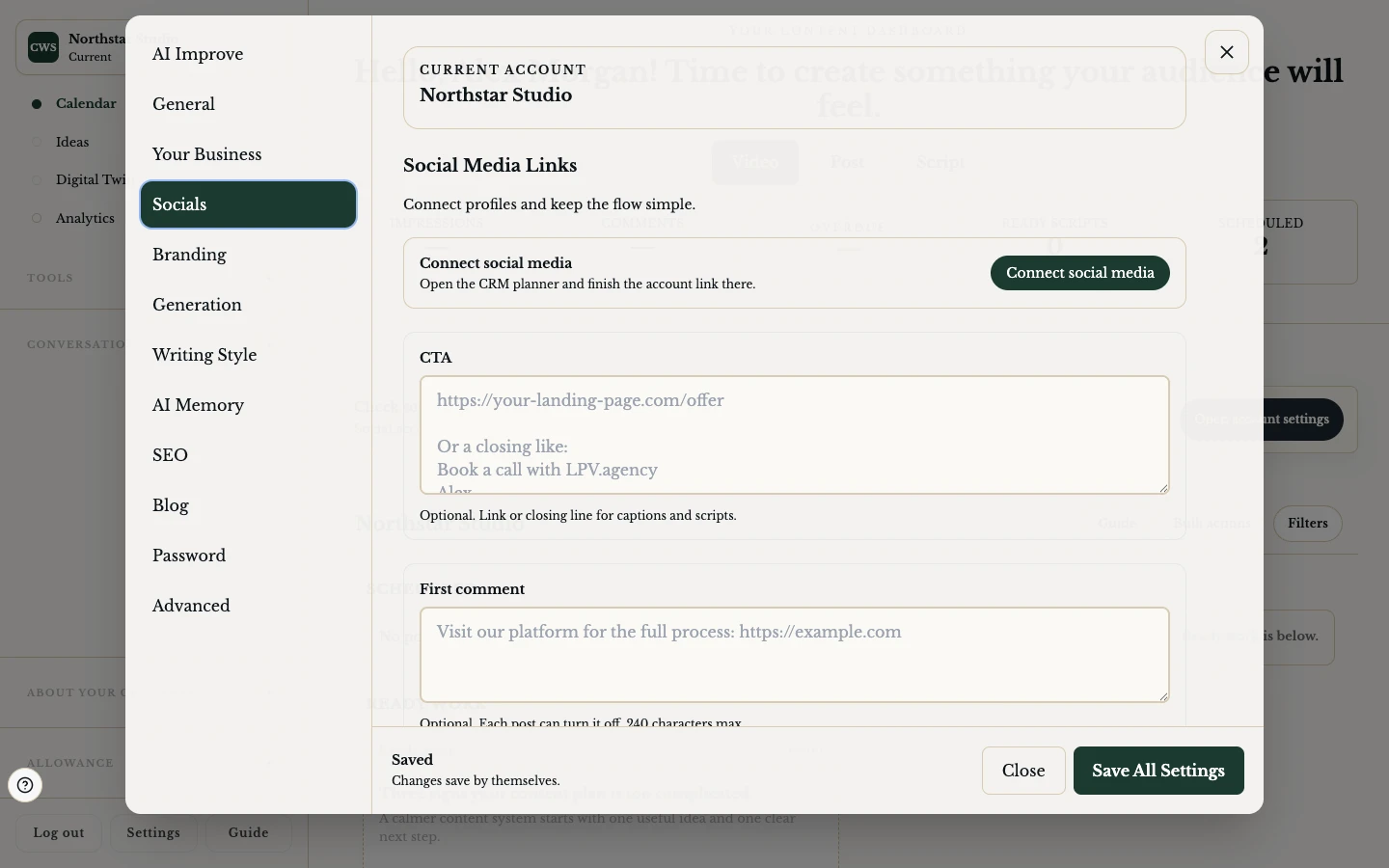
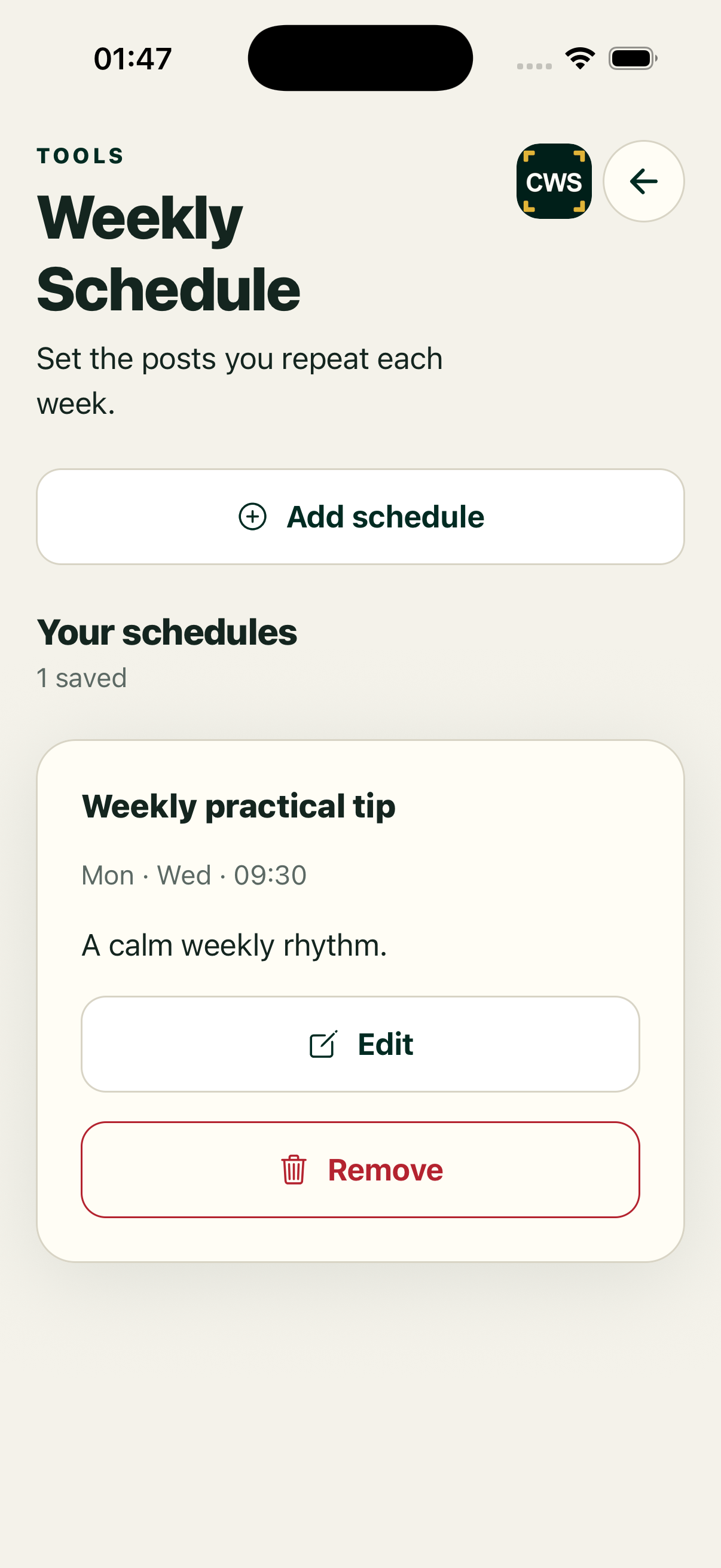
ClientWorkSystem lets you choose a posting time for prepared content where a supported destination is connected. The important part is the boundary around delivery: a selected slot, a queued request and a provider-confirmed post are different states.
Use the schedule flow to plan confidently, then read the returned status before you tell anyone that a post is live.
How it works
- Prepare the post. Start from QuickPost, a calendar item or a completed recording handoff.
- Check destinations. Select only the accounts shown as connected and available.
- Choose now or later. Use Post Instantly where offered, or choose a date and time from the schedule flow.
- Confirm the request. Review caption, media, destination and time before saving the action.
- Read the response. Keep pending, queued, failed, retrying, scheduled and provider-confirmed states separate.
Delivery with a paper trail
Connected accounts first
Scheduling is only useful when the destination is connected and authorised. If the product cannot verify a connection, it should not imply that the post was sent.
Slot suggestions are still choices
The workflow can show available or recommended slots. Select the one that suits your plan and check the displayed local date and time before confirming.
Queue and provider truth
An accepted request may be queued while media or caption work continues. A provider response can later confirm, reject or require a retry. Keep the calendar item and its delivery state available for review.
Safe failure
If one destination fails, read the per-destination result rather than assuming every selected account failed or succeeded. Retry only after checking what the provider returned.
Platform and availability
Scheduling is available through the web client and supported Mac, iPhone, iPad and Android apps. Mobile may use a secure handoff to the same account workflow. Windows is coming soon. Destination support, media formats and network responses can change; check the status shown beside each post.
Questions
Does scheduling guarantee publication?
No. It reserves or queues an action. Publication depends on the destination and a successful provider response.
Can I post to more than one account?
The flow can offer multiple connected destinations. Review each returned status separately.
What happens if caption or video processing is still running?
The product may allow a reservation while work continues, or ask you to wait. Read the visible status and do not call a pending item complete.
Can I change a scheduled post?
Available edit and cancellation controls depend on the item state and destination. Open the calendar item to see the actions offered.
Which social networks are supported?
Only destinations shown as connected and available in your account should be treated as supported. This page does not promise an unverified network list.