social media content analytics
Learn what your content is showing
Read the latest available provider data, compare useful signals, and choose a better next topic without pretending a missing metric is zero.
- Plan
- Create
- Review
- Move forward
Inside the app
See it in ClientWorkSystem.
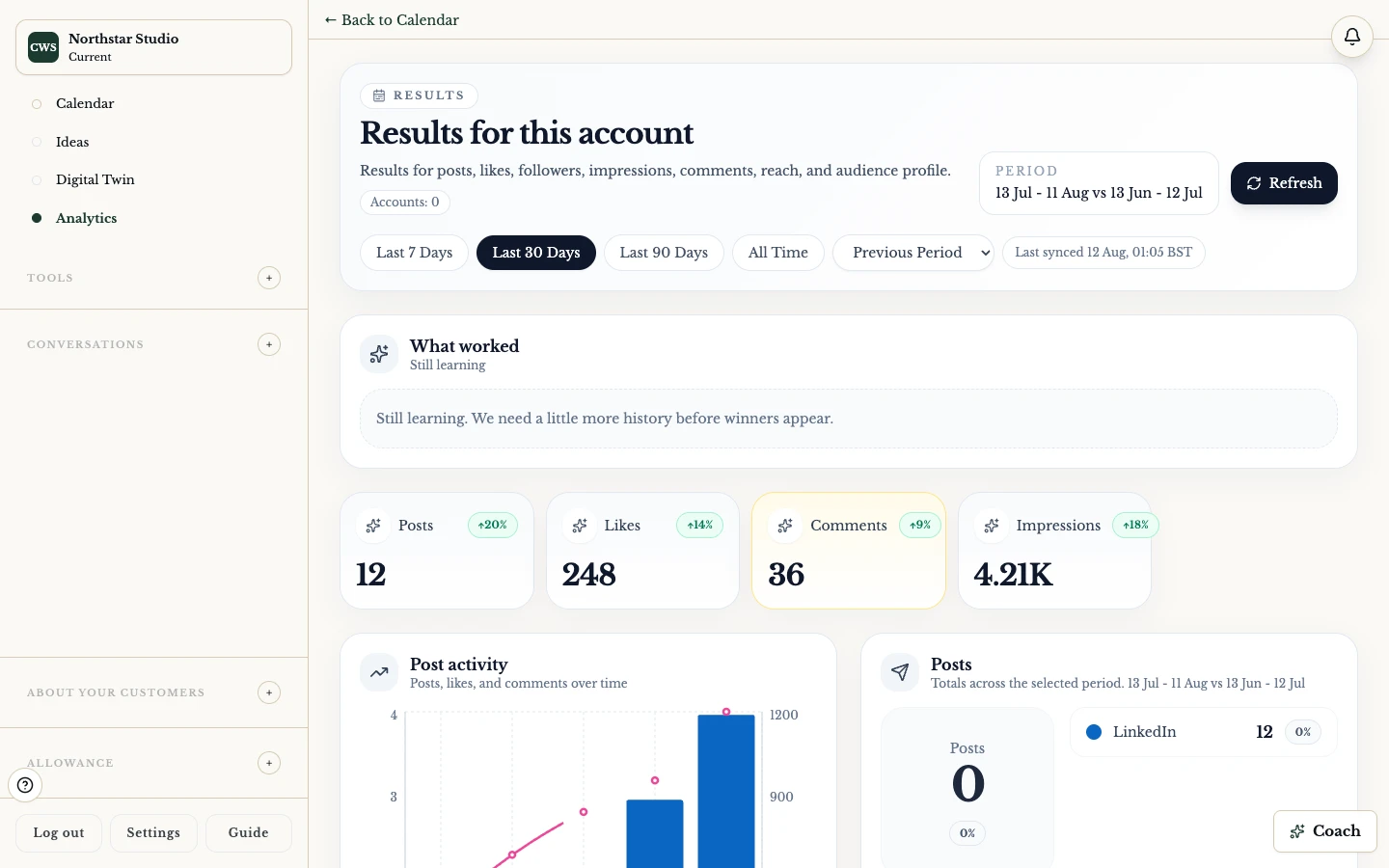
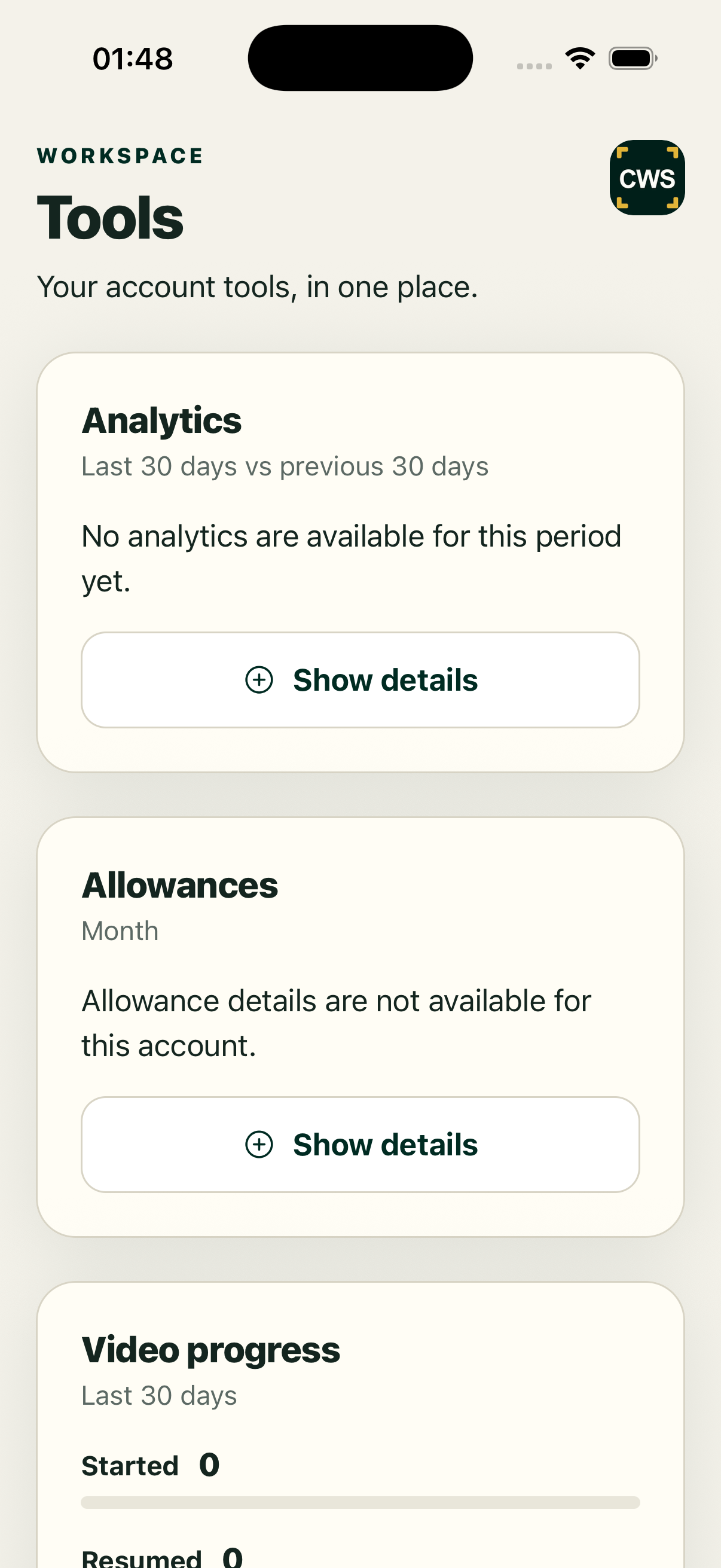
Analytics closes the loop between publishing and the next decision. The client calendar can load a 30-day provider-backed summary with impressions and comments, while post detail can expose engagement, timelines, keywords, breakdowns, and AI-assisted insights where data exists. The dashboard also keeps loading, refreshing, empty, and unavailable states visible.
Metrics come from connected providers and their available reporting windows. They are not a promise of reach, sales, or a universal score. A number can be delayed, unavailable, or changed by the provider. Read the date range and status before comparing posts.
How it works
- Open Analytics from the client calendar after your supported social connection is available.
- Check the reporting window and whether the summary is loading, refreshing, or unavailable.
- Read the top-level signals, then open a post for timeline, keyword, breakdown, and comparison detail where present.
- Export or share a post detail only after checking the visible source and date range.
- Use the pattern as a question for your next topic, not as a promise of future performance.
Read the useful layers
Summary. Impressions, comments, and other provider-backed totals provide a current view when the provider returns them.
Post detail. Open one post to inspect engagement, timeline data, keywords, comparison, and available AI insight.
Keyword view. Look for repeated language and performance context without treating correlation as proof of cause.
Consistency view. The workspace includes a consistency surface where configured data supports it. It is not a universal quality grade.
Refreshing state. A cached summary can remain visible while fresh provider data loads. Check the refresh label instead of reading it as final.
Supported workflow and limits
Analytics is available in the web client. A native app may open the same secure web view. Coverage depends on the connected network, permissions, account, date range and sync health. Metrics may be delayed or unavailable, and they do not prove that a post caused a conversion.
FAQs
Which metrics are shown?
The available summary and post views can include impressions, comments, engagement, timelines, keywords, comparisons, and breakdowns. The provider decides what is returned.
Are numbers real time?
Not necessarily. Look for the reporting window and refresh state.
Why is a metric blank?
The provider may not have returned it, the connection may lack permission, or the selected period may have no data.
Can I export a report?
Post detail includes an export action where the current view supports it. Check the exported range before sharing.
Does analytics tell me what to publish next?
It can inform a question or hypothesis. Human judgement and current context still decide the next topic.