AI video script writer
Move from a topic to words you can say
Shape a topic into an editable script and carry the reviewed words into recording when you are ready.
- Plan
- Create
- Review
- Move forward
Inside the app
See it in ClientWorkSystem.
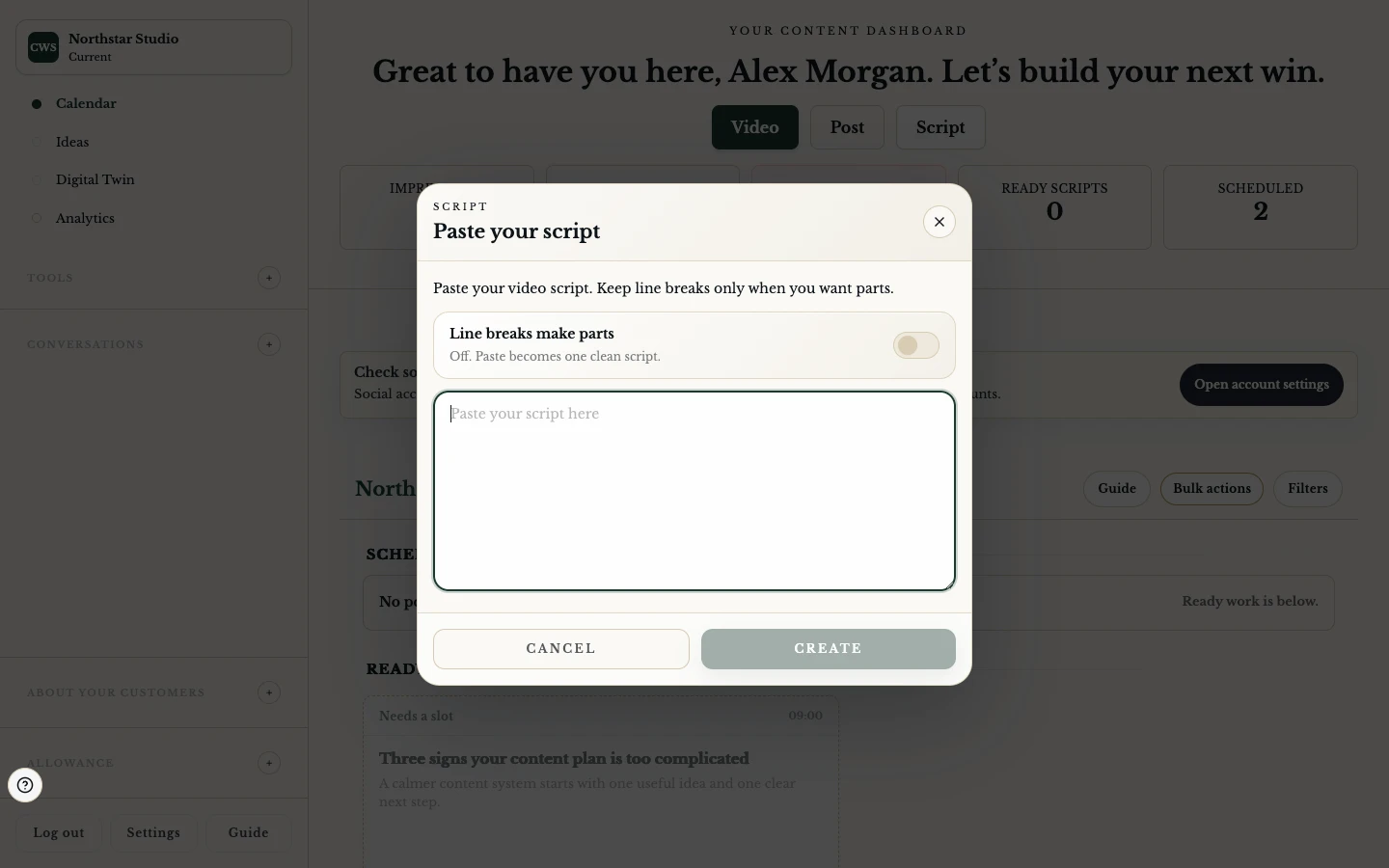
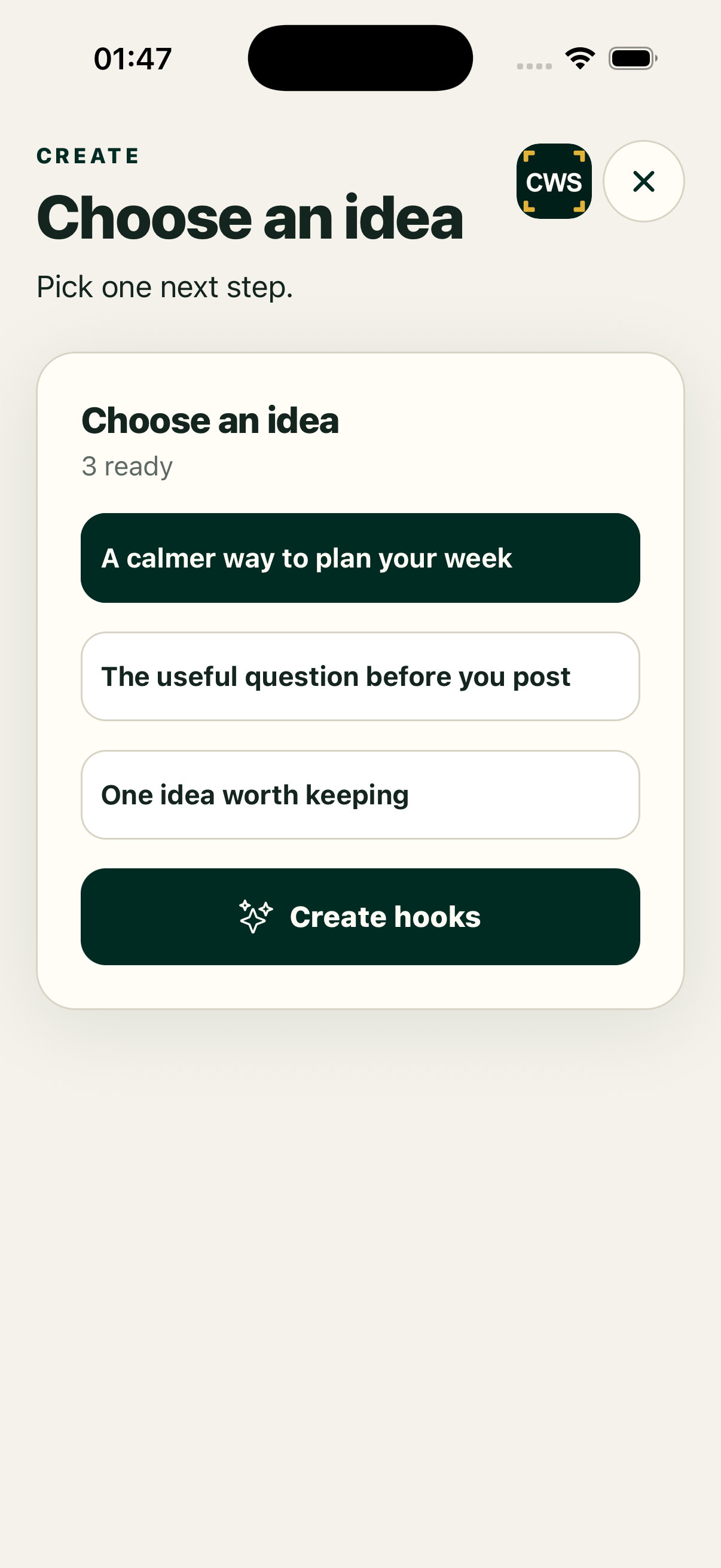
The AI Script Writer helps turn a topic, hook or rough direction into an editable script. Keep the useful context with the idea, shape the wording, split it into readable sections and pass it to the recorder when you are ready.
Generated copy is a draft. Check facts, names, claims and tone before you record or publish.
How it works
- Choose a topic or idea. Start from a calendar item or the script workflow available in your account.
- Describe the direction. Add the point, audience, hook or notes you want the draft to reflect.
- Generate a first script. Let the available AI action propose words, ordered segments or bullet prompts.
- Edit and save. Rewrite anything that is not accurate, natural or useful. Save the script back to its source topic where supported.
- Hand off to recording. Open the teleprompter with the selected script and retain the topic and segment context.
Keep the human in the sentence
Start with a real point
The strongest input is a specific idea: what changed, what you learned or what the viewer should do next. A vague prompt can still produce text, but it may need more editing.
Hooks and angles
Where the workflow provides hook choices, compare them before selecting one. The hook should match the script that follows, not become a disconnected headline.
Ordered segments
Longer scripts can be split into segments and bullets for the teleprompter. This gives the recording flow a clear current section and supports a targeted retake where available.
Undo and correction
Treat generation as an edit to review, not an irreversible replacement. The current workflow saves script changes and includes safeguards around AI updates; still read the resulting script before leaving the page.
Platform and availability
The script workflow is available through the web client and supported Mac, iPhone, iPad and Android apps. Mobile may use a native entry or a secure handoff. Windows is coming soon. AI generation depends on your account and service availability; you can still edit or record your own words where those controls are available.
Questions
Is the generated script final?
No. It is a starting draft. You are responsible for accuracy, rights, safety and fit for your audience.
Can I write the script myself?
Yes, where the script editor is available. You can edit generated text or begin with your own words.
Does it keep my topic and hook for recording?
The supported topic-to-recording path carries the selected context, script and ordered prompts. A generic recording start may not have that context.
Can I generate more than one version?
The available workflow may offer hook or script alternatives. Choose and edit the version you want; do not treat every suggestion as approved copy.
What if AI is unavailable?
If AI is unavailable, the page will show that state. You can still write, edit and record a manual script where those controls are available.