social media content ideas
Keep good ideas moving
Capture a useful thought, add context, and choose the next concrete action without starting from a blank page.
- Plan
- Create
- Review
- Move forward
Inside the app
See it in ClientWorkSystem.
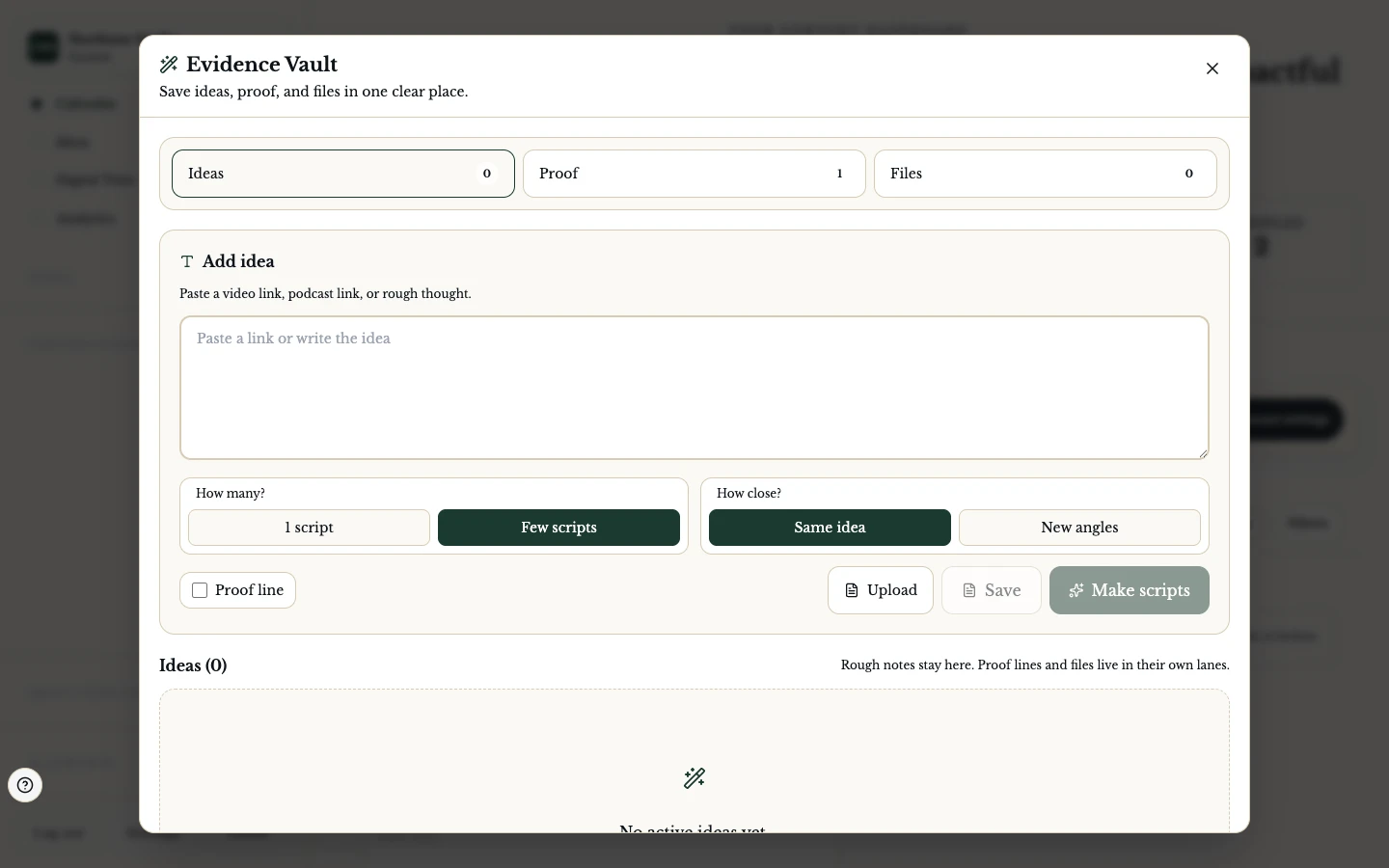
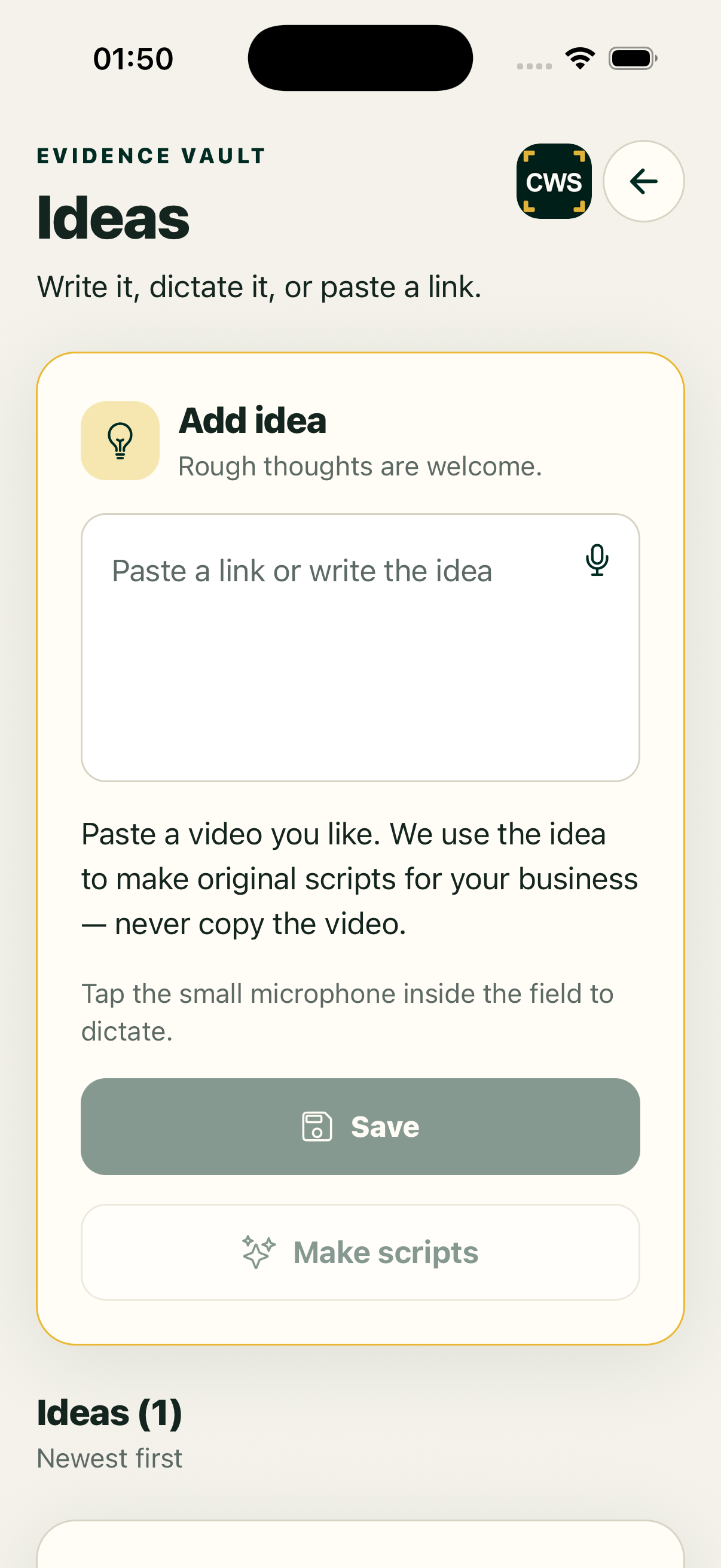
Ideas Inbox gives loose thoughts a home. It can collect meeting ideas and processed client notes, keep supporting proof nearby, and hand a chosen idea into the next part of your content workflow. The point is not to fill a page with generic prompts. It is to help you recognise the idea you already have and make one useful next move.
An idea is not a finished post. Check its source, privacy, audience, and accuracy before turning it into public content. The workspace may use AI to suggest wording or a route, but it does not turn an unverified note into a fact.
How it works
- Open Ideas from the main client navigation or add a note from a supported meeting or conversation flow.
- Give the item a short title and keep the useful context or proof with it.
- Review the suggestion and choose whether to develop it, remix it, or leave it for later.
- Send the idea to a topic, script, recording, Digital Twin conversation, or QuickPost handoff where that action is available.
- Review the resulting draft before saving, scheduling, or sharing it.
From spark to next step
Capture. Save a question a customer asked, a point from a meeting, or a useful observation while it is still clear.
Add proof. Keep the source note, example or approved asset close enough to check. Private notes remain in your workspace unless you choose to share them.
Remix. Ask for a different angle, hook, or format while keeping the original idea available for comparison.
Make a topic. Turn the idea into a working topic that can continue to research, scripting, and recording.
Make a QuickPost. Open the post flow when a short caption, photo, or video is the right next action. The handoff carries context; it does not skip review.
Supported workflow and limits
Ideas Inbox, main navigation, meeting-idea processing, and QuickPost seeding are current web workflows. Some suggestions use configured AI services and may be unavailable, delayed, or incomplete. Native apps may show a secure web handoff rather than a separate Ideas surface. No page promise means that an idea is researched, original, legally cleared, or automatically posted.
FAQs
Can I save an idea without writing a full brief?
Yes. Start with a short title and enough context to recognise the point later.
Can a meeting create ideas for me?
Supported meeting-note flows can seed Ideas Inbox. Review the extracted text for accuracy and consent.
Does an idea become a published post?
No. It can begin a draft or handoff; normal content and delivery review still applies.
Can I keep an idea private?
Keep private source notes in the workspace and remove sensitive detail before sharing an idea outside your team.
Are all suggestions available on mobile?
Availability depends on the current native entry and its secure web handoff. Check the signed-in build.