

Social studio · by LPV

Your ideas.
Ready for social.

Make branded images, posts and video from the work already in your head. Keep every next step visible in one calm content calendar.

Meet the people who trust LPV with their content.

MAKE / REVIEW / PLAN Product preview
ClientWorkSystem
ClientWorkSystem calendar with example content
Next upRecord your story

LPV Video and content craft since 2004 · Built for people with something to say

The whole work, connected

One idea can carry further.

Choose the view that matches the moment. The work stays yours, and the path stays clear.

01 / Create

Start with what you already know.

Turn a note, client question or rough idea into a visual and a caption you can actually review.

“They helped me create some great videos so other people can see my work in the speech and personal training industry.”Alexandru Agarici · Public Speaking Training
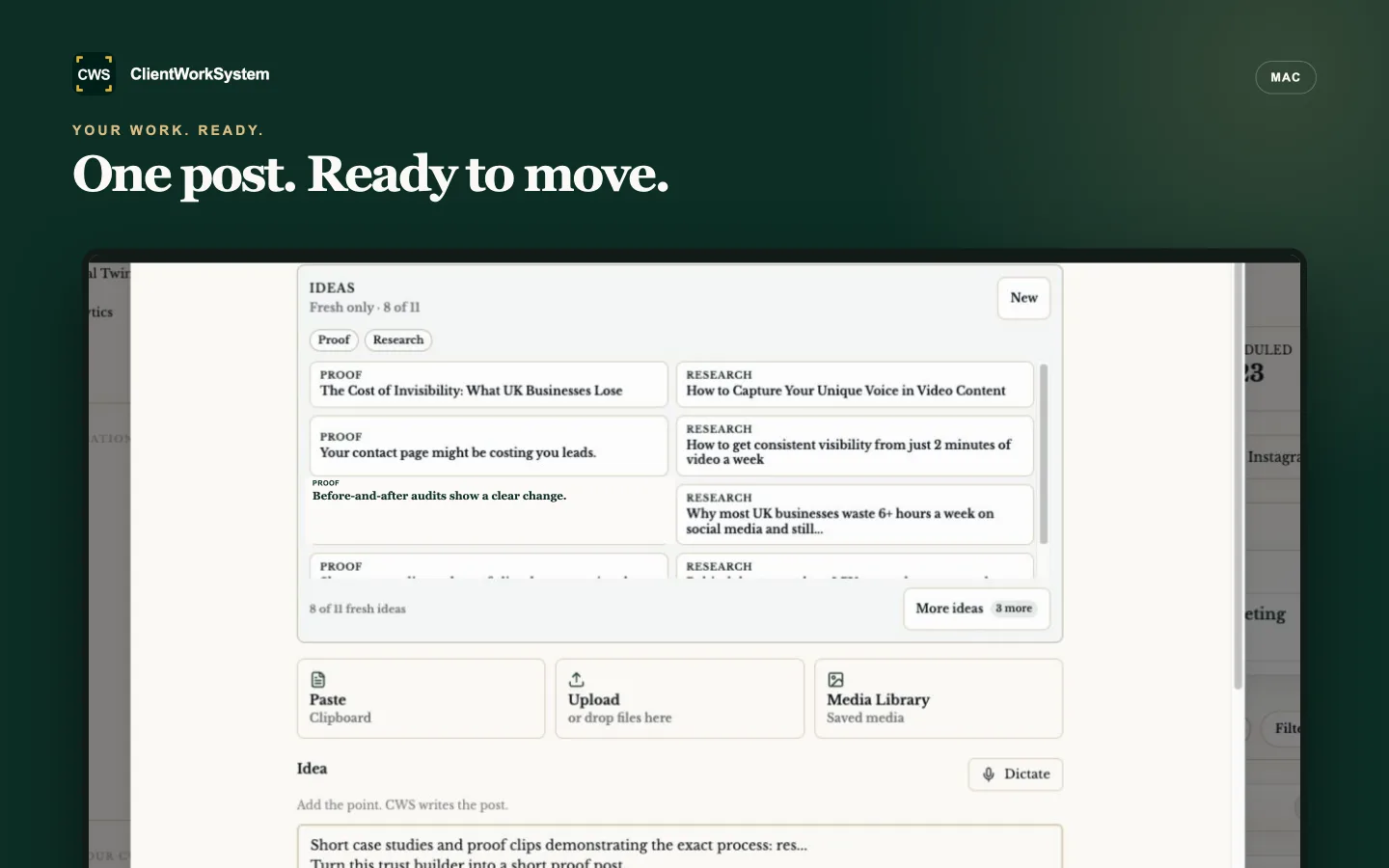
ClientWorkSystem QuickPost handoff workspace
02 / Record

Make the message feel like you.

Shape the words, image or recording until it sounds human and ready for the people you want to reach.

“The video tool is simple, and the CRM is exactly what it says on the box.”Monika Braglewicz · Practitioner Coach
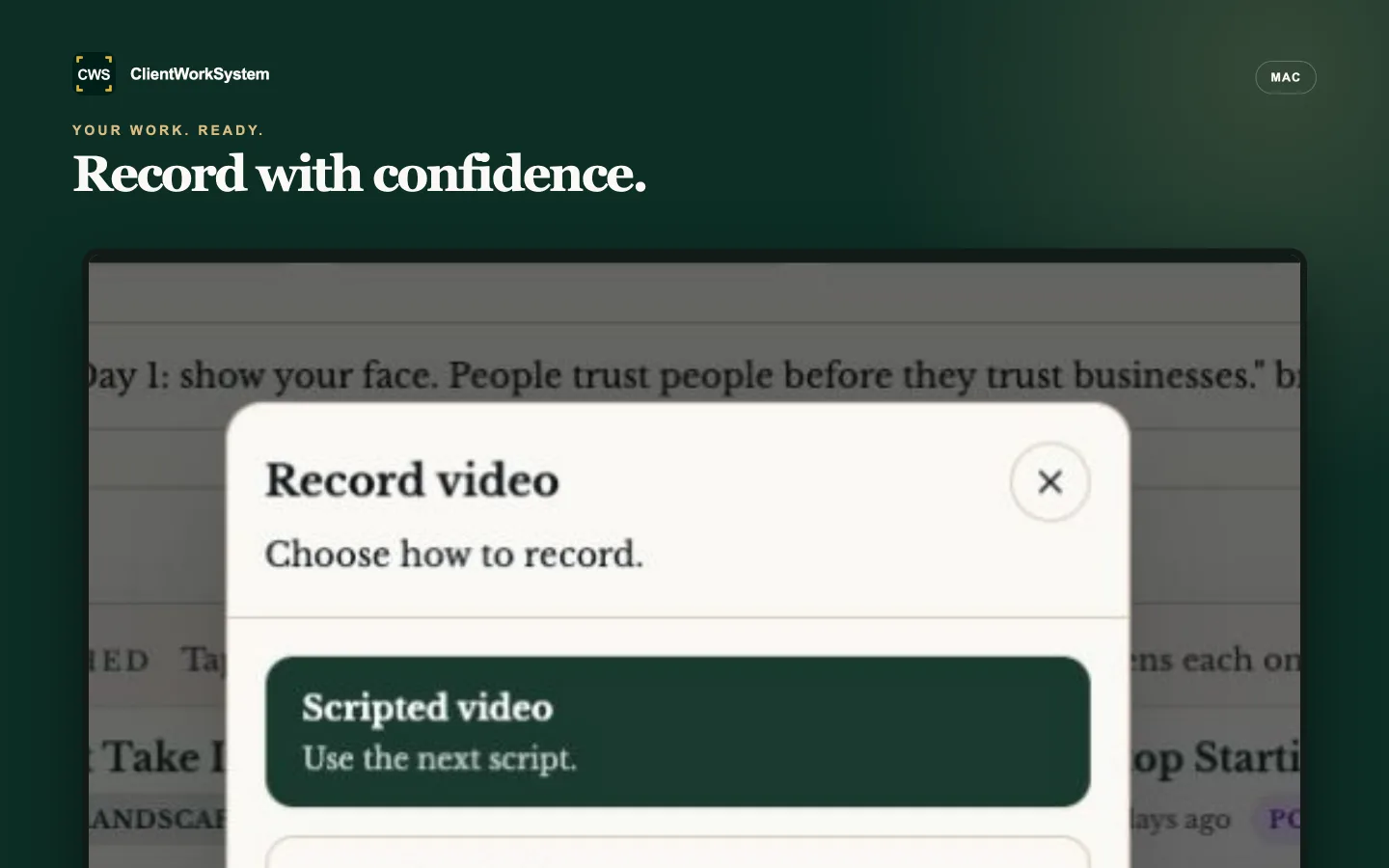
ClientWorkSystem Record video workspace
03 / Plan

Know what is ready and what comes next.

Review approved work and keep a practical view of the next post in your calendar.

“Videos come back ready to publish.”Wesley Robinson · Square Mile
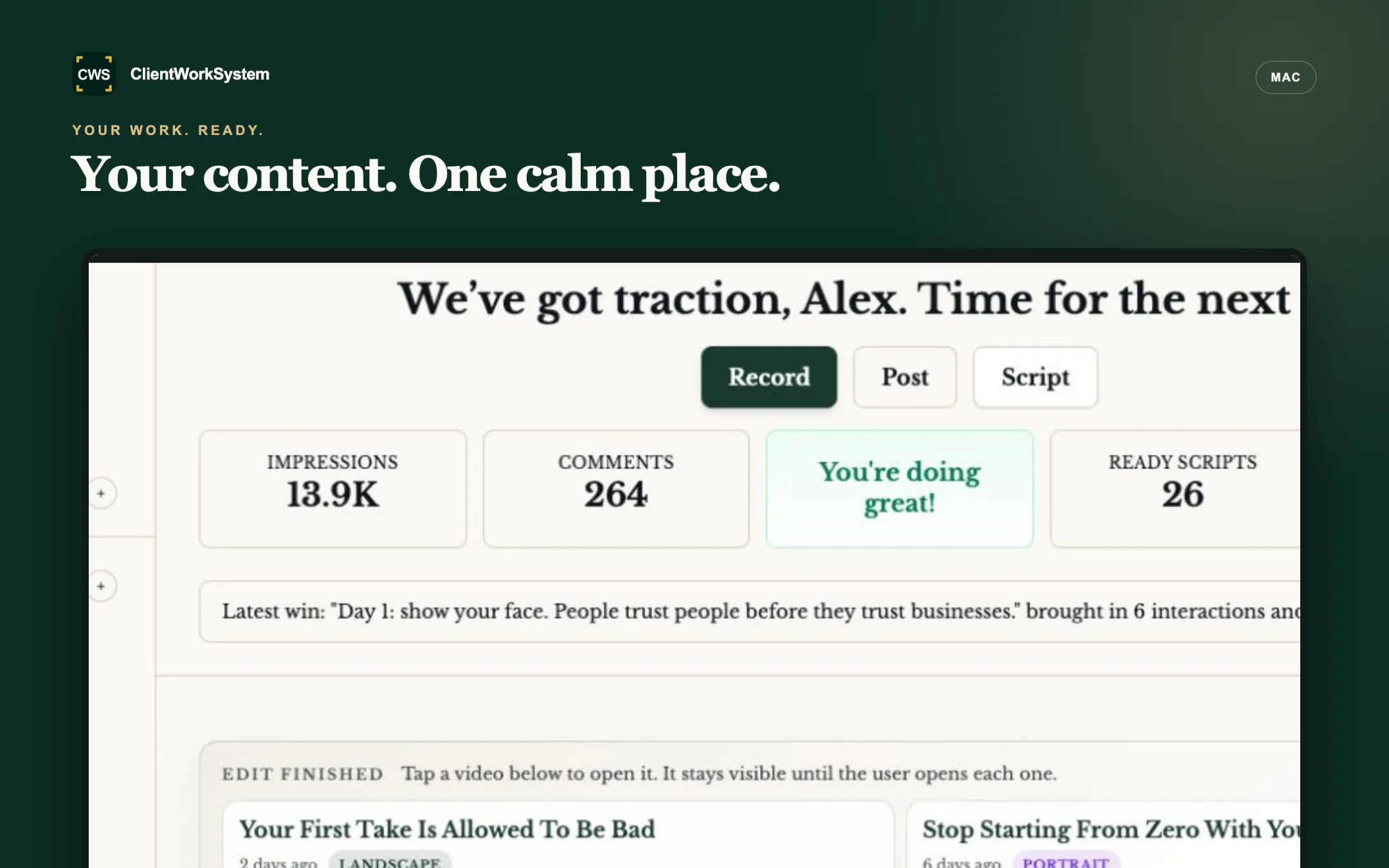
ClientWorkSystem content planning and calendar workspace
04 / Grow

Keep your content moving forward.

See how each post fits your plan, then keep the next useful step close at hand.

“From scripts to understanding how they fit within my marketing plan.”Andrew Myles · Founder, Liven Creative
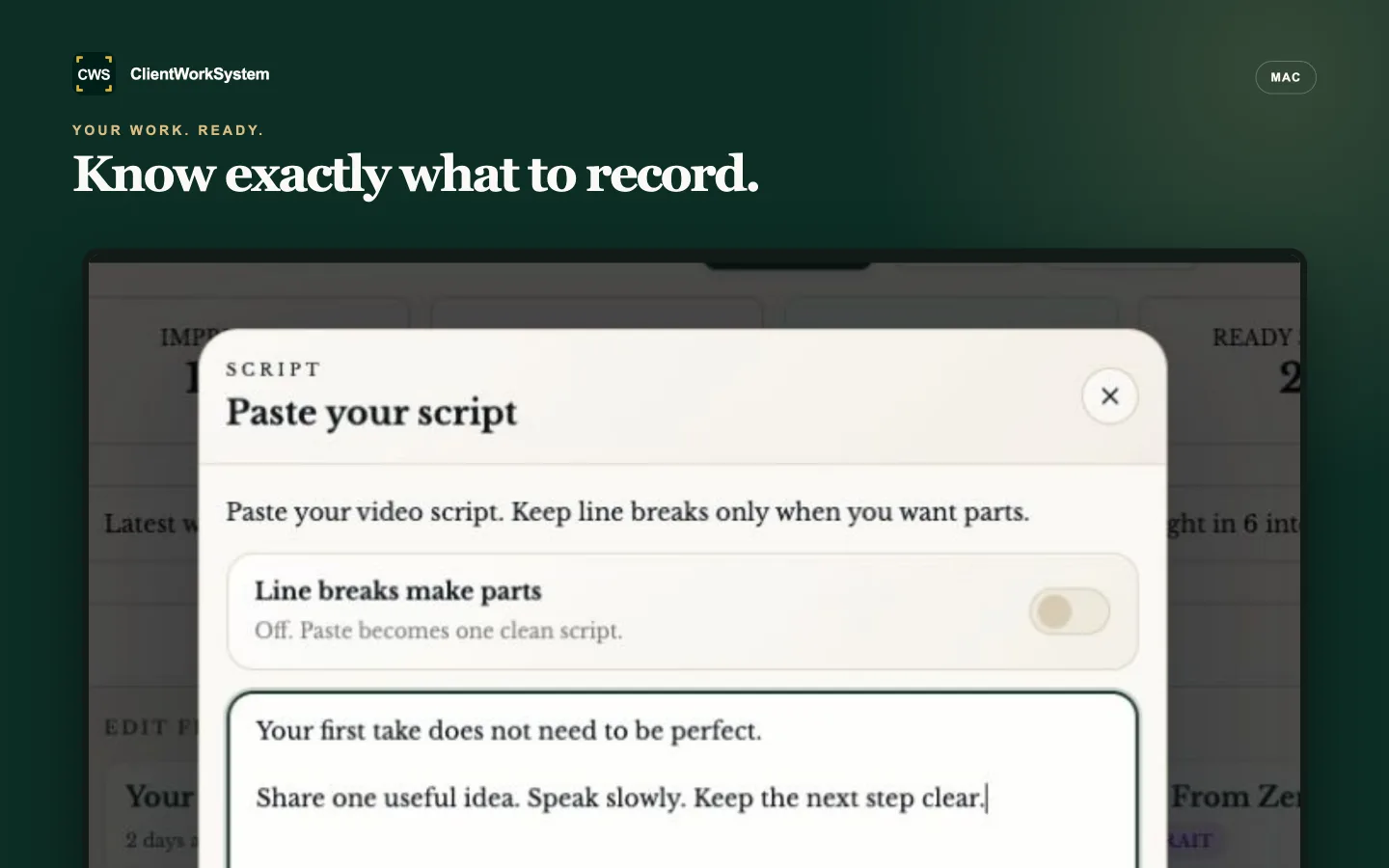
ClientWorkSystem writing workspace

A rhythm you can keep

From thought to a plan.

Simple steps. Clear next steps.

  1. ClientWorkSystem writing workspace01

    Bring the idea

    A note, prompt or question is a good place to start.

  2. ClientWorkSystem Record video modal02

    Make it yours

    Shape the image, words or edit until it feels right.

  3. ClientWorkSystem content calendar03

    Place the next step

    See what is ready next.

From LPV clients

Jude-Elliott Brown“Our experience was made all the more pleasant by Alex’s positive character and enthusiasm towards his work.”Jude-Elliott Brown · Elevation FX (Trading)Lorand Soares Szasz“I am recommending you to all my clients so they do videos as we always did with you!”Lorand Soares Szasz · Business Coaching

Real people. Clearer work.

Confidence to publish.

Stories from LPV and ClientWorkSystem clients.

CreateTurn an idea into a ready post.

“It is very, very good value for money.”

Graham Martin
Director, Kingsbridge Wills & Trusts, London

RecordShape and publish in your voice.

“The video tool is simple.”

Monika Braglewicz
Practitioner Coach, London

PlanKeep finished work ready for the week.

“Videos come back ready to publish.”

Wesley Robinson
Square Mile, Finsbury Square, London

GrowSee how each post fits your plan.

“From scripts to understanding how they fit within my marketing plan.”

Andrew Myles
Founder, Liven Creative, UK

People who put their trust in LPV

Chizubel Egwudo“By far the best agency I’ve worked with.”Chizubel Egwudo · Risk ManagementGabriel Nicolaev“These people work even at nights to provide the best quality services and products.”Gabriel Nicolaev · Real EstateAnthony Hardy“Alex is professional and easy to recommend.”Anthony Hardy · IFA, LondonIoana Pana“Every time you exceeded my expectations by how prompt you were.”Ioana Pana · PR Agency
Alex Nedelea of LPVAlex · LPV

The person behind the product

A family craft.
A personal commitment.

I’m Alex. My story started in my grandfather’s photo studio. I picked up a camera at five and was earning from photography by fourteen. As the third generation, that care for the work is still personal. It is the approach I bring to LPV and ClientWorkSystem.

ClientWorkSystem by LPV
Video and content experience since 2004.

Choose your plan

Pick the amount of content you need.

Billing
Choose a plan

Want to look around first? Open the demo.

From LPV clients

Florentin Laiu“Concrete advice, trained staff available at any time.”Florentin Laiu · Car Tuning CompanyAlexandru Agarici“They helped me create some great videos so other people can see my work in the speech and personal training industry.”Alexandru Agarici · Public Speaking TrainingCatalin Niculae“You are truly professional, flexible, you know how to work with deadlines and your services are of the highest quality!”Catalin Niculae · Events Center

Need help beyond the software?

We can help with ads, television spots and more, when you need it.

Useful details

Before you start.

What uses an image post?

Each image, variant, carousel slide or AI edit uses one image post allowance. Writing credits cover written content. Your selected allowance is shown before checkout.

Is editing included? What about generated video?

Video minutes edited are shown with each plan allowance. Generated video and avatars are separate from this storefront allowance.

How do renewals and cancellation work?

Your selected plan is charged today and renews on its billing schedule. Cancel before your next renewal.

Can I use a demo first?

A demo is optional. It is a way to try the workflow; you can also choose a ready plan directly.

See plans ↗